Claude Code tasks: give your coding agent a real to-do list

Claude Code is brilliant at planning work inside a session — and forgets all of it the moment the session ends. Here's how to give it a persistent task list it can write to and read from, in about two minutes.

Session todos are not a task list

When Claude Code tackles a multi-step job, it tracks todos to keep itself organized. Those todos are great — for the agent. They're scoped to the job at hand and evaporate with the context window. Three kinds of things slip through the cracks:

What gets lost between sessions

Side-quests you spot while coding. "That auth service needs a rate limiter" — noticed during a refactor, gone by Friday.

Follow-ups the agent suggests. Claude Code routinely ends a session with "next steps you might consider" — which nobody writes down.

Anything you told it to remember. "Remind me to bump the deps tomorrow" means nothing to a process that won't exist tomorrow.

The fix isn't a bigger context window. It's giving the agent a place to write that outlives the session — a task inbox that lives on your disk as plain files, shows up in an app you actually check, and syncs to your phone.
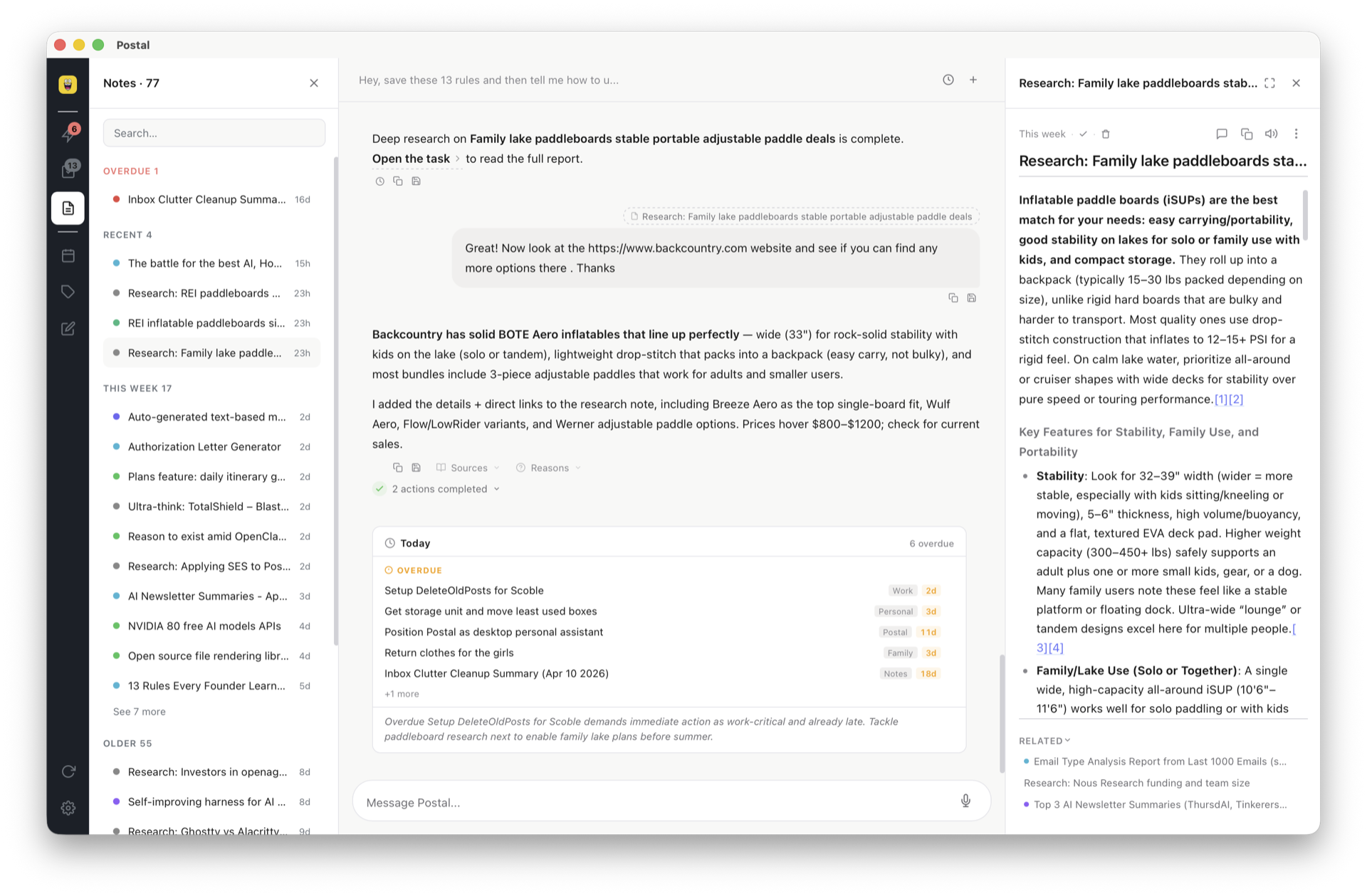
Diagram: Claude Code runs the postal CLI, which writes a Markdown task file to the Postal workspace; the task appears on the Postal board and syncs to web and phone

The 2-minute setup

Step 1: Teach Claude Code the CLI

2 minutes

Add this to ~/.claude/CLAUDE.md (global, works in every project) or a project-level CLAUDE.md:

CLAUDE.md
## Postal Integration
When the user asks you to "remember this", "save this to Postal",
"make a note of this", or "add this to my tasks", run the Postal CLI:

~/.local/bin/postal "the text to capture"

Options:
- --label NAME      assign a label (e.g. --label Work)
- --type TYPE       set type: note (default), task, research
- --due YYYY-MM-DD  set a due date
- --workspace NAME  target a specific workspace

Step 2: Just talk

From now on, mid-session, in any project:

What you say
"Add this to my tasks: the auth service needs a rate limiter"

"Remember to bump the dependencies tomorrow"

"Capture this as a Work task due Monday: deploy v2.1"
What Claude Code runs
~/.local/bin/postal --type task "The auth service needs a rate limiter"

~/.local/bin/postal --type task --due 2026-07-12 "Bump the dependencies"

~/.local/bin/postal --label Work --type task --due 2026-07-13 "Deploy v2.1"

The CLI writes straight to your workspace on disk. Postal's file watcher picks it up within about a second — no app restart, no sync button. The task is on your board, and on your phone via app.postal.wtf.

Split screen: Claude Code in a terminal running the postal CLI on the left, the captured task appearing in the Postal app on the right

Recipes that stick

The end-of-session dump

Before you close a session, one line saves everything worth keeping:

Say this before you quit
"Save every open follow-up from this session to Postal,
one task each, labeled by project"

Claude Code walks its own suggestions and open threads, and files each one as a separate task. Tomorrow's you starts with a list instead of a memory.

Bug capture without breaking flow

Spot something rotten while working on something else? Don't fix it, don't lose it: "capture this as a bug: N+1 query in the projects loader." One shell command later it's out of your head and on the board.

Full workspace access

Capture is one direction. For the other direction — reading, searching, completing — open your Postal workspace folder in Claude Code. It reads AGENT.md (the file-format spec that ships with every workspace) and gets full read/write access:

Ask your task board questions
"What's overdue?"
"Find every task mentioning the API redesign"
"Mark the deploy task complete and add a note with the release URL"

Tasks are Markdown, metadata is JSON. No API keys, no MCP server to stand up, no plugin. The full integration guide covers this method step by step.

Session todos vs. a persistent task inbox

Claude Code session todos Postal inbox
Survives the session No — scoped to context Yes — plain files on disk
Visible outside the terminal No Desktop app + web + phone
Due dates & labels No Yes, from the CLI flags
Works across projects Per-session One inbox for everything
Other agents can use it No Cursor, Copilot, Codex, cron — anything with a shell

They're complements, not rivals: let Claude Code track the current job its own way, and give everything worth keeping a permanent home.

Frequently asked questions

Does Claude Code have a built-in task list?

Yes — it tracks todos within a session to plan multi-step work. But those lists exist to organize the current job, not to be your to-do list. When the session ends, anything not written to disk is gone. Tasks that need to survive — bugs, follow-ups, ideas — need the agent to write them somewhere permanent.

How do I make Claude Code remember tasks between sessions?

Give it a place to write that persists outside the session. A few lines in CLAUDE.md teach it to run ~/.local/bin/postal "text" whenever you say "remember this." The CLI writes a Markdown file to your workspace; the task appears on your board within a second and is still there tomorrow.

Can Claude Code read and manage my existing tasks?

Yes. Postal stores tasks as Markdown files with JSON metadata and ships an AGENT.md spec. Point Claude Code at the workspace folder and it can list what's overdue, search notes, complete tasks, and bulk edit — no API, no plugin.

Does this work with Cursor, Codex, or other coding agents?

Yes. Anything that can run a shell command can use the same setup — Cursor, GitHub Copilot, Windsurf, Codex CLI, Aider, cron jobs, CI pipelines. The CLI is just a command; the workspace is just files.

Is the postal CLI free?

Yes. It ships with Postal and writes directly to your workspace on disk. Postal itself is free forever when you bring your own API key, with an optional $20/month managed AI plan.

Give your agent somewhere to put things

Postal is the task inbox your coding agents write to and you actually check. Markdown on disk, board on your screen, sync on your phone.

Get started free

Full Claude Code integration guide →