The picks
1. Postal — best for notes that become action
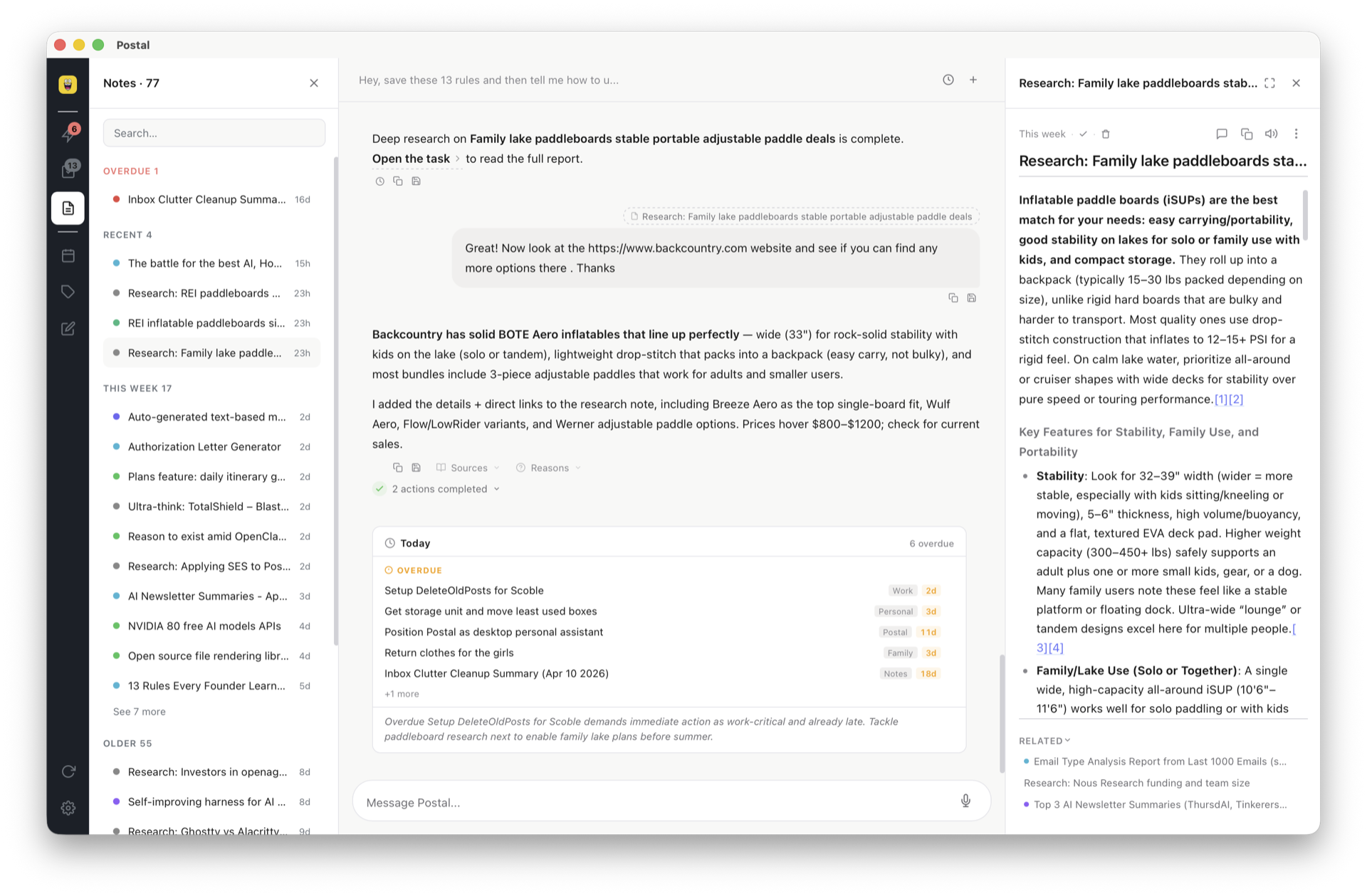
Thinking toolOurs — judge the claims, not the byline. Postal treats a note as the start of something: brain-dump by voice (a local Whisper model — audio never leaves your device) and the AI splits it into separate labeled items; ask a question and semantic search answers from your own notes; say "look into this" and background research writes the note for you; a note can carry a due date or land on Google Calendar. Notes are Markdown files on disk, so they're greppable, git-able, and writable by your coding agents.
Pricing: free forever with your own key; optional
managed AI later if you want it.
Skip it if: you need meeting transcription (pair it
with Granola) or team wikis.
2. Granola — best for meeting notes
MeetingsThe current favorite among founders and VCs: it listens to the call while you jot fragments, then merges your half-notes with the transcript into something coherent. No awkward bot joining the meeting. Skip it if most of your notes aren't meetings — it has no life outside them.
3. Otter.ai — best for full transcription
MeetingsThe transcription workhorse: real-time transcripts, speaker identification, searchable archives of everything said. Built for volume — lectures, interviews, all-day call schedules. Skip it if you want synthesis over stenography.
4. Notion AI — best for team knowledge bases
Thinking toolIf your company already lives in Notion, its AI answers questions across your whole workspace and drafts documents in place. The best "chat with our wiki" experience. Skip it if you want a fast personal tool — Notion's weight shows when it's just you and a thought moving at speaking speed.
5. Obsidian + AI plugins — best for tinkerers who own their files
Thinking toolMarkdown files in a local vault, a huge plugin ecosystem, and community AI plugins for chat-with-vault and semantic search. Maximum control, maximum ownership. Skip it if you don't want to be your own IT department — the AI layer is assembled, not included. (Want files-you-own with the assembly done? That's the architecture Postal ships.)
6. Mem — best for automatic organization
Thinking toolMem's bet is "stop organizing entirely": write, and let AI surface related notes when they matter. When it clicks, it feels like magic. Skip it if you want structure you can see, files you can hold, or tasks that leave the app.