The picks
1. Postal — best AI-native todo app for Mac
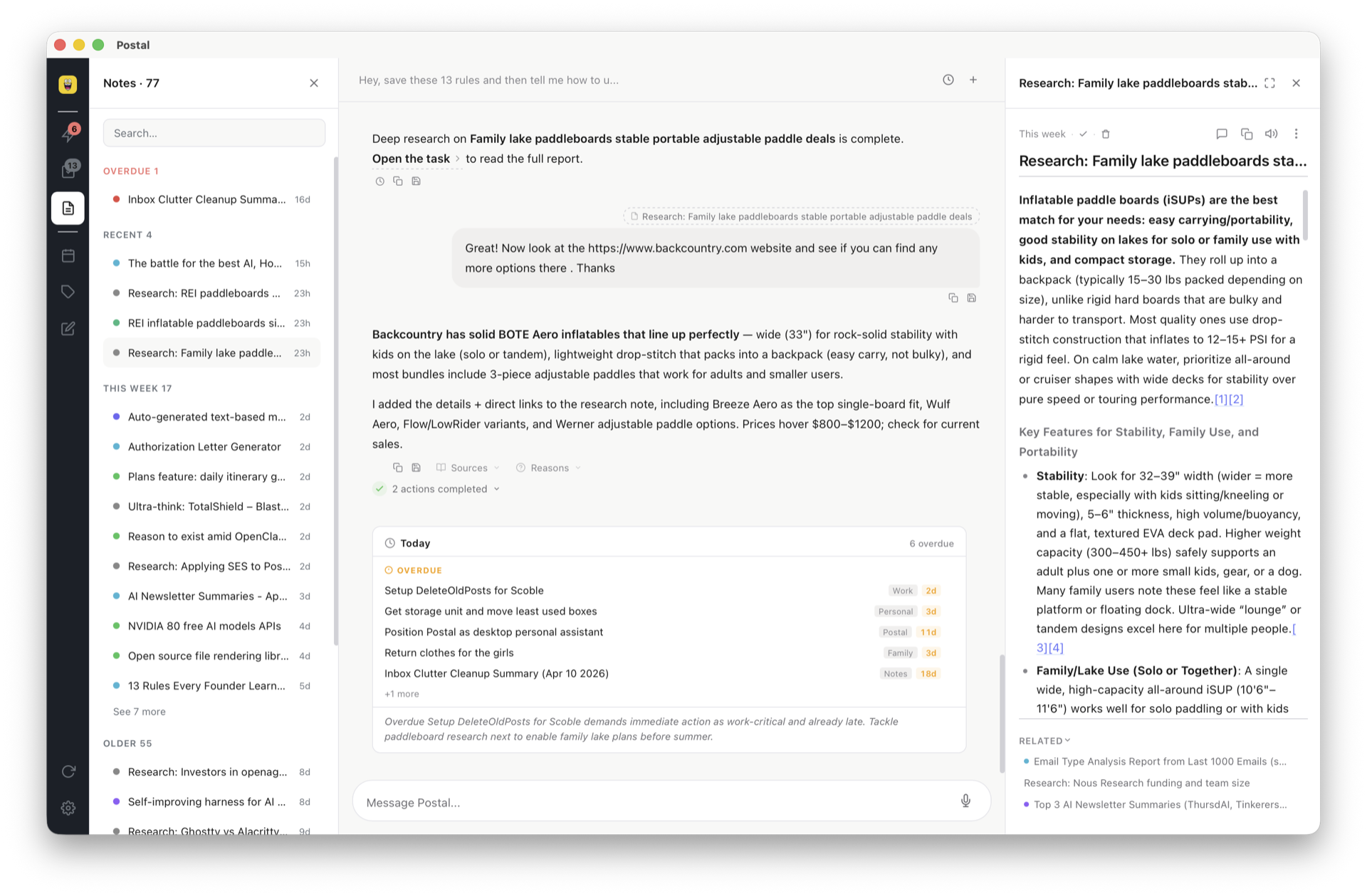
Our pickFull disclosure: Postal is ours. It exists because every app below treats AI as a garnish. In Postal, chat is the interface: brain dump by voice and confirm sorted, labeled tasks; ask a question and get an answer from your own notes; say "schedule Thursday" and it lands on Google Calendar. Under the hood everything is Markdown and JSON, so coding agents can write to your board and your data outlives any subscription. Native macOS app plus web at app.postal.wtf.
Price: free forever with your own key; optional
managed AI later if you want it.
Loses when: you need shared team projects, or you want
zero AI anywhere near your tasks.
2. Things 3 — best pure design, one-time purchase
Still the most beautiful task app on any platform, with a one-time price in a subscription world. Today/Upcoming/Anytime is the cleanest implementation of GTD-lite ever shipped. Loses when: you want AI, a web app, Windows access, or integrations — Things is an island, gorgeous and moatless.
3. Apple Reminders — best free built-in option
Quietly became good: tags, smart lists, locations, shared lists, Siri capture, deep Apple Watch support. Free with your Mac. Loses when: you need project structure, task notes with real formatting, or anything beyond Apple's walls. If you're outgrowing Apple's built-ins, our Apple Notes alternative guide covers the same journey for notes.
4. Todoist — best cross-platform
The reliability champion: every platform, instant sync, natural-language dates ("every other Tuesday at 9"), two decades of not losing anyone's data. Loses when: you want more than a list — its notes are thin and its AI is a helper, not a worker. That combination is exactly what we compare against directly.
5. TickTick — best feature value
Tasks, calendar view, habit tracker, pomodoro timer, kanban-style board view — for less than most rivals. Loses when: design polish matters to you, or you want AI beyond the basics.
6. OmniFocus — best for strict GTD
The power tool: defer dates, review cycles, custom perspectives, AppleScript/Shortcuts automation. If you run capital-G GTD, nothing else comes close. Loses when: you don't — the learning curve is a wall, and casual users bounce off it.
7. NotePlan — best markdown + calendar hybrid
Daily notes, tasks, and calendar in plain Markdown files you own. Loved by the bullet-journal-in-plain-text crowd. Loses when: you want the system to do work for you — it's a very good manual tool. (Postal shares the files-you-own philosophy and adds the AI layer; more in the markdown guide.)