Markdown to-do lists: plain-text task management that actually works

Every productivity app eventually dies, gets acquired, or triples its price. Text files don't. Here's the full ladder of plain-text task management — from a single todo.md to Obsidian plugins to an app that runs on Markdown underneath — and the tradeoffs at every rung.

The 10-second syntax lesson

GitHub-Flavored Markdown (GFM) gave plain text a checkbox, and everything in this guide builds on it:

todo.md
## This week
- [ ] Ship the pricing page
- [ ] Email Sarah about the contract
- [x] Renew the domain
- [ ] Groceries
  - [ ] Coffee
  - [ ] Olive oil

- [ ] is open, - [x] is done. GitHub, Obsidian, VS Code, and most modern editors render these as clickable checkboxes. That one convention is why your tasks can outlive any app: it's readable by humans, editors, grep, git — and every AI agent ever made.

The plain-text ladder

Rung 1: A single todo.md

Zero setup

One file, headings for sections, checkboxes for tasks. Open it with anything, sync it with Dropbox or git, edit it over SSH. This is the most durable productivity system on Earth. Breaks when: you need due dates you'll actually be reminded of, recurring tasks, or capture away from your computer. The file never taps you on the shoulder.

Rung 2: Obsidian Tasks plugin

Power user

The Tasks plugin adds due dates (📅 2026-07-18), recurrence, priorities, and — the killer feature — queries: a "Today" note that lists every task due today across your entire vault. Breaks when: the emoji-syntax bookkeeping gets old, or you need reminders and mobile capture that don't fight you. You are the sync engine.

Rung 3: Obsidian Kanban plugin

Visual

Drag-and-drop boards where every board is just a Markdown file — columns are headings, cards are list items. Genuinely clever, and the file stays readable outside Obsidian. Breaks when: boards and Tasks-plugin tasks don't see each other, and nothing connects to your calendar. You end up curating two systems by hand.

Rung 4: An app that runs on Markdown

Files + engine

The rung most people don't know exists: keep the plain files, add software that does the bookkeeping. Postal stores every task as a Markdown file with JSON metadata in a normal folder — open it in any editor, grep it, commit it to git. On top of those files: due dates and labels without emoji syntax, Google Calendar sync, voice capture, AI that files your brain dumps, and semantic search across everything.

Your workspace is just a folder
Workspace/
├── Project/
│   ├── a1b2c3d4/
│   │   └── content.md      ← the task, in Markdown
│   └── .project.json       ← due dates, labels, order
└── AGENT.md                ← format spec for AI agents

Because it's files, a file watcher picks up outside edits within a second — which means echo, cron jobs, and coding agents like Claude Code can create tasks by writing text. Plain text isn't just durable; it's the one integration surface every tool on your machine shares.
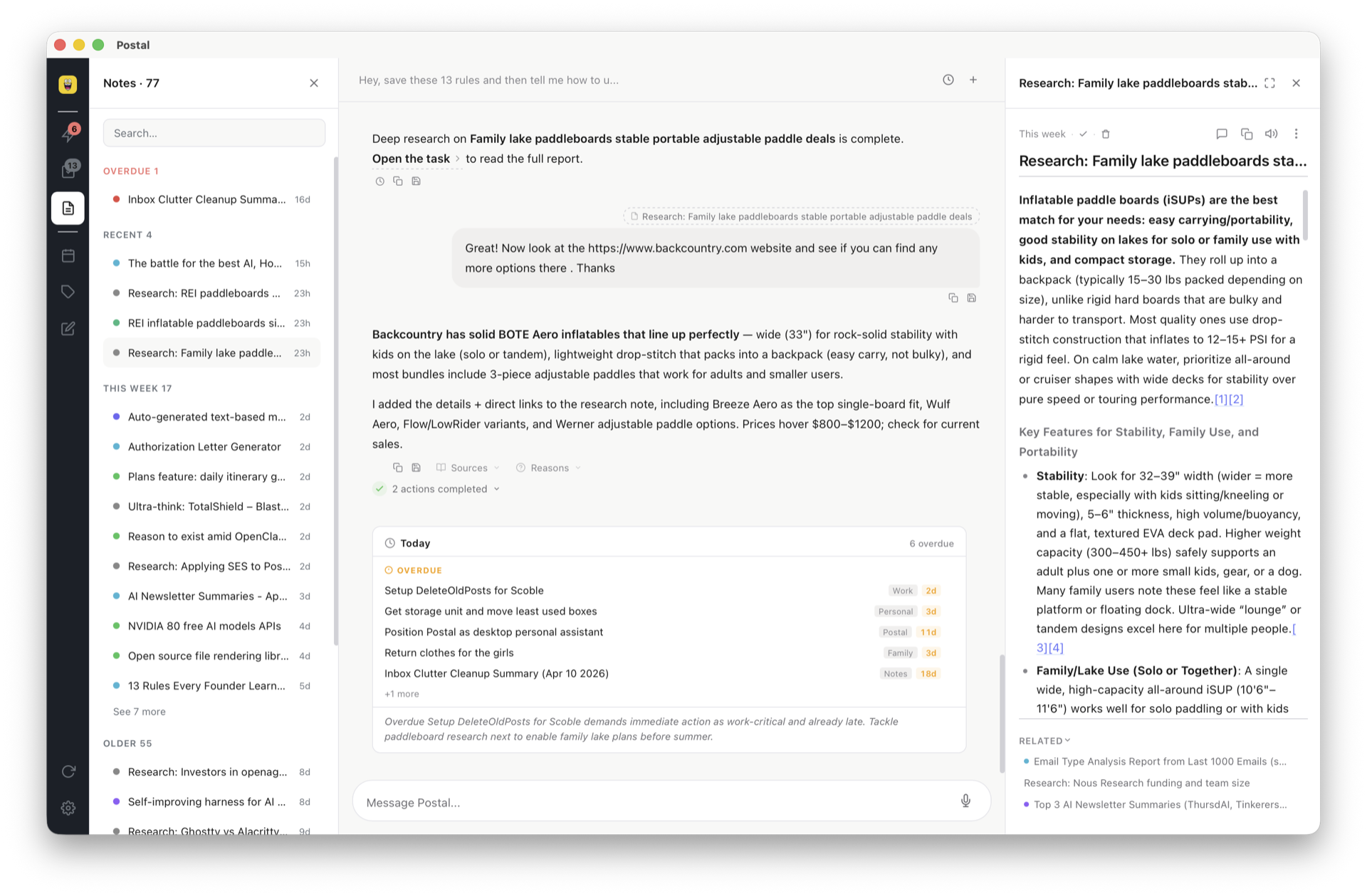
Side by side: a Postal task open in the app, and the same task's content.md file open in a code editor showing identical Markdown

Which rung are you on?

todo.md Obsidian + plugins Postal
Plain files you own Yes Yes Yes — Markdown + JSON
Due dates & reminders No Dates yes, reminders weak Yes + calendar sync
Maintenance you do All of it Syntax + plugins + sync None — AI files things
Search grep Text + queries Semantic + text
Agent/script writes Yes (it's a file) Yes, carefully Yes — CLI + AGENT.md spec + watcher

The honest read: if you love tending the system, Obsidian is a joy. If you want the durability of text without the gardening, that's the gap rung 4 exists to fill.

Frequently asked questions

How do I write a to-do list in Markdown?

GFM task syntax: - [ ] task for open, - [x] task for done. GitHub, Obsidian, VS Code, and most modern editors render these as interactive checkboxes.

Is Obsidian good for task management?

With the Tasks plugin: due dates, recurrence, vault-wide queries. With the Kanban plugin: boards backed by Markdown. Powerful, but manual — you maintain the syntax, the plugins, and the discipline. Best when your tasks live inside your notes and you enjoy tinkering.

What are the downsides of plain-text task management?

Reminders, recurrence, mobile capture, and calendar integration all need bolt-ons — and nothing files anything for you. The file remembers exactly what you wrote, and nothing else.

Can I have Markdown files AND a real task app?

Yes — that's Postal: tasks as Markdown files in a folder you own, an app on top for dates, labels, calendar, AI capture, and semantic search. A file watcher picks up outside edits within a second.

Why do coding agents work so well with Markdown tasks?

Agents already speak filesystem. Claude Code, Cursor, or a cron script creates a task by writing a file — no API keys, no OAuth. Setup guide here.

Plain text underneath. An engine on top.

Postal is Markdown you own with AI that does the bookkeeping. Free for 30 days, or free forever with your own key.

Get started free